Flee the Facility Codes: Verified Status & Safe Checks
A careful status check for Flee the Facility codes, with a practical way to verify announcements and avoid look-alike reward pages.
Quick answer
As of September 28, 2026, this guide has no Flee the Facility code that we can verify from first-party evidence, so it does not label any code active. That is a verification status, not proof that a code can never exist. Check the live Roblox experience and announcements linked by its creator before trying a code. Never enter your Roblox password, cookie, or account key on a third-party code page.
Are there active Flee the Facility codes?
Our current answer is simple: no active Flee the Facility code is verified in this guide. We will not copy a code from an unsourced list and call it working just because another page repeats it. A code should be marked active only when a first-party post or the live game confirms what it unlocks and how players can redeem it.
The difference matters because codes can expire, be limited to an event, or belong to a different Roblox experience. A search result can keep an old claim visible long after the original promotion ends. If an official announcement appears later, check its date, eligibility, and expiry details before assuming it still works.
| Status checked | What this guide can confirm |
|---|---|
| Active code list | None verified from first-party evidence for this update. |
| Redeem menu | Not confirmed; use only a menu that is visible in the live experience. |
| Next check | Review the creator-linked Roblox page or announcement before using a new code. |
What counts as a Flee the Facility code?
The phrase Flee the Facility codes can mean an experience code, a Roblox platform promo, a creator giveaway, or a code for another game. They are not interchangeable. A platform promo may unlock an avatar item; an experience code needs a Flee the Facility redemption path and a stated reward. Flee the Facility codes Roblox is a search phrase, not proof that a code exists in the live game; FTF codes from another experience should not be imported.
Before copying, identify the issuer and promised reward. A useful post names the experience, states the offer and limits, and links to the game or its own menu. Without those details, leave the code unverified.
Where to check for real FTF code updates
Start from Roblox itself. Search for Flee the Facility, then verify the experience title and creator. If the listing links a group, social account, or announcement channel, follow that direct link instead of a look-alike profile from an unrelated code page.
A useful announcement should identify the experience, state the reward or event, explain any limits, and give in-game instructions. Read the source itself rather than an echoed code line. Community videos may explain a process, but they do not establish that a code is current unless the creator's announcement confirms it.
How to redeem Flee the Facility codes safely
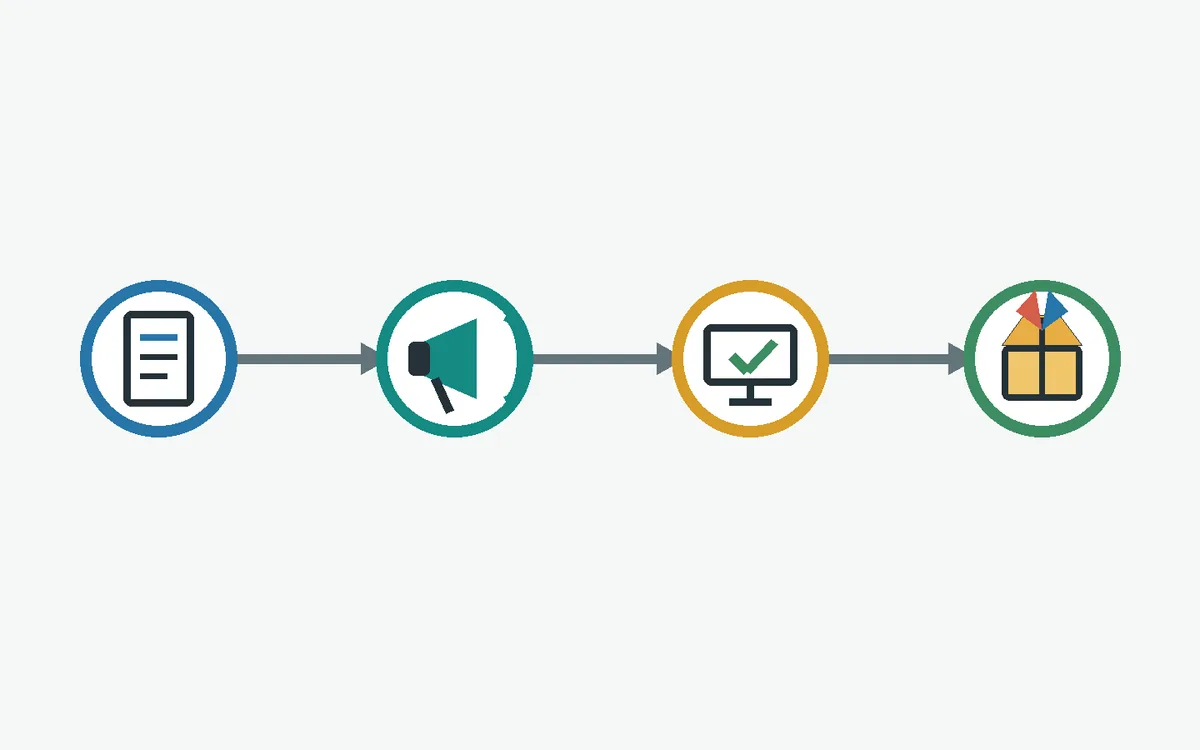
We could not confirm a current code or dedicated Flee the Facility code menu, so this guide will not invent a button name. If the live experience offers a code option during an official event, use that in-game control and follow its instructions. If no option appears, stop; an outside site cannot add a missing game feature.
Use this check to separate an in-game reward flow from a page seeking account access or personal information.
- 1. Verify the source. Open the announcement through the creator's official Roblox listing or a channel linked from it.
- 2. Match the experience. Check that the code names Flee the Facility, not another Roblox game or a platform-wide avatar promotion.
- 3. Use the game's own menu only if present. Do not install an extension, visit a code generator, or follow an external login prompt.
- 4. Confirm the result in-game. Look for the reward or a clear success message in the experience before sharing or repeating the code.
Why a Flee the Facility code may not work
If an official code is announced in the future and it fails, first compare the characters with the original post. Similar-looking letters, extra spaces, and copied punctuation can cause a mismatch. Then check the announcement date and terms: the offer may have ended, may have been limited to one use, or may apply only to a specific event or account group.
If an official code is announced and it fails, compare it with the original post and check expiry, one-use limits, event dates, and eligibility. Do not guess a bypass, join unrelated groups, or download a tool. For unclear directions, wait for creator clarification; a site that asks for credentials is not troubleshooting.
| Possible reason | Safe next step |
|---|---|
| Typing or spacing issue | Compare the code with the original creator post. |
| Expired or limited event | Check the official dates and eligibility terms. |
| Wrong game or code type | Confirm the experience name and the promised reward. |
| No in-game redeem option | Do not use an outside form; wait for an official instruction. |
Avoid fake Flee the Facility code sites
A polished page can still have no connection to the creator. Be cautious when a site promises currency, rare items, or instant unlocks for a Roblox login, browser extension, survey, or download. Those steps do not verify a Flee the Facility code; they give an outside party access or create account risk.
A reward should be confirmed by Roblox or inside the live experience. Never paste cookies or verification codes into an outside page. If you shared account details, use Roblox's official recovery tools from a trusted device, change your password, and review active sessions.
Other ways to earn Flee the Facility items
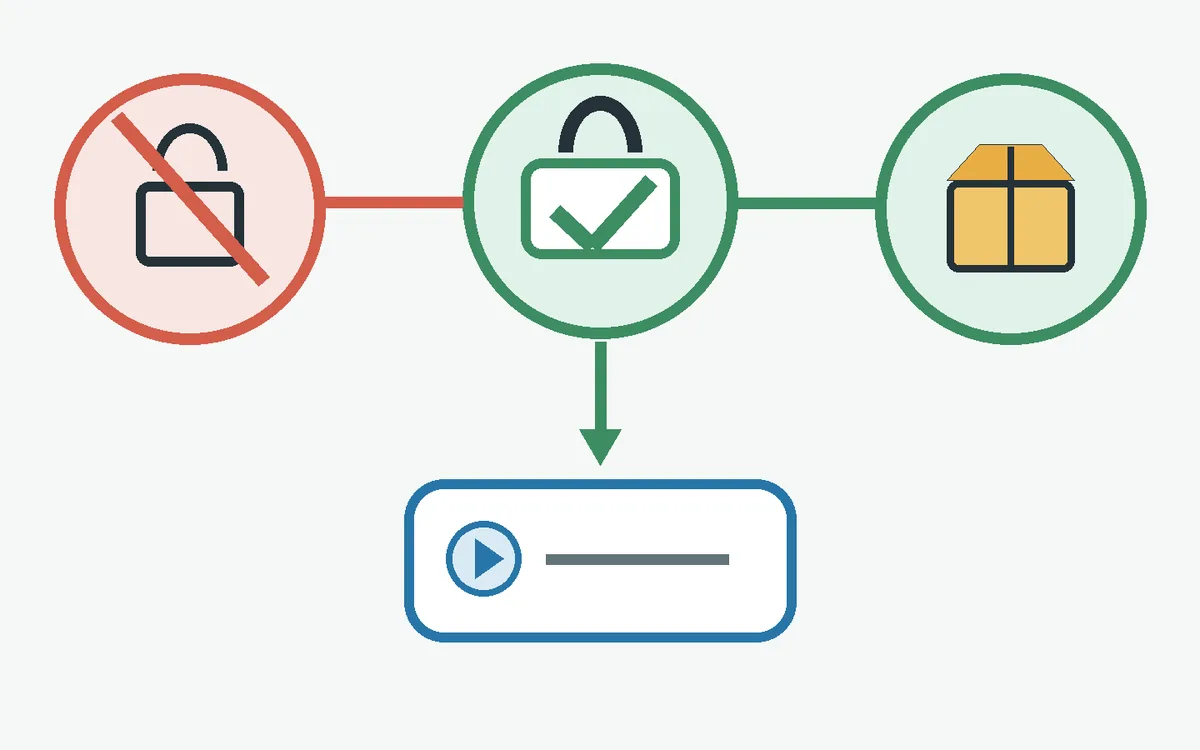
For a free cosmetic, use reward options shown by the live game. Depending on the experience, these might include rounds, an event objective, a reward container, or another creator-described feature. Check current in-game terms; this guide does not promise a particular item is available today.
Before a purchase or trade, compare the exact item and current in-game conditions. A cosmetic is not automatically tradeable or valuable, and an old value list can miss demand changes. Our map and item-value guides add game context, but they do not validate codes or replace the live game's rules.
How this Flee the Facility codes page stays current
Code claims are time-sensitive, so this page separates a dated check from a promise. A code is listed only when a first-party source identifies it and the live game gives a clear redemption path. We mark a code expired only when the source gives an expiry or the official flow confirms it; we do not infer expiry from isolated reports.
The date near the title is this page's last review, not a drop schedule. Compare an outside claim with the creator's latest announcement and current in-game instructions. Without a first-party source, the status remains unverified.
What to do with Flee the Facility codes
No active code is verified here today. Check a creator-linked Roblox announcement, use only a redeem control visible in the current experience, and confirm the reward in-game. Leave any page that asks for account secrets or promotes a code generator.
Flee the Facility codes FAQ
Official place to verify the experience
- Roblox experience search Use Roblox's own platform to identify the live experience and verify its creator. This search page is not a code list and does not confirm an active promotion.
Related Flee the Facility guides
- Flee the Facility maps guide Learn the map layouts and route basics.
- Flee the Facility bundles Review bundle and set terminology.
- Flee the Facility trading guide Read safer trade checks before accepting an offer.
- FTF value list Compare item references without treating values as guaranteed sale prices.