Flee the Facility All Bundles: List, Value & Trading Guide
A practical reference for identifying bundle groups, reading demand, and checking whether a complete bundle is stronger than its separated parts.
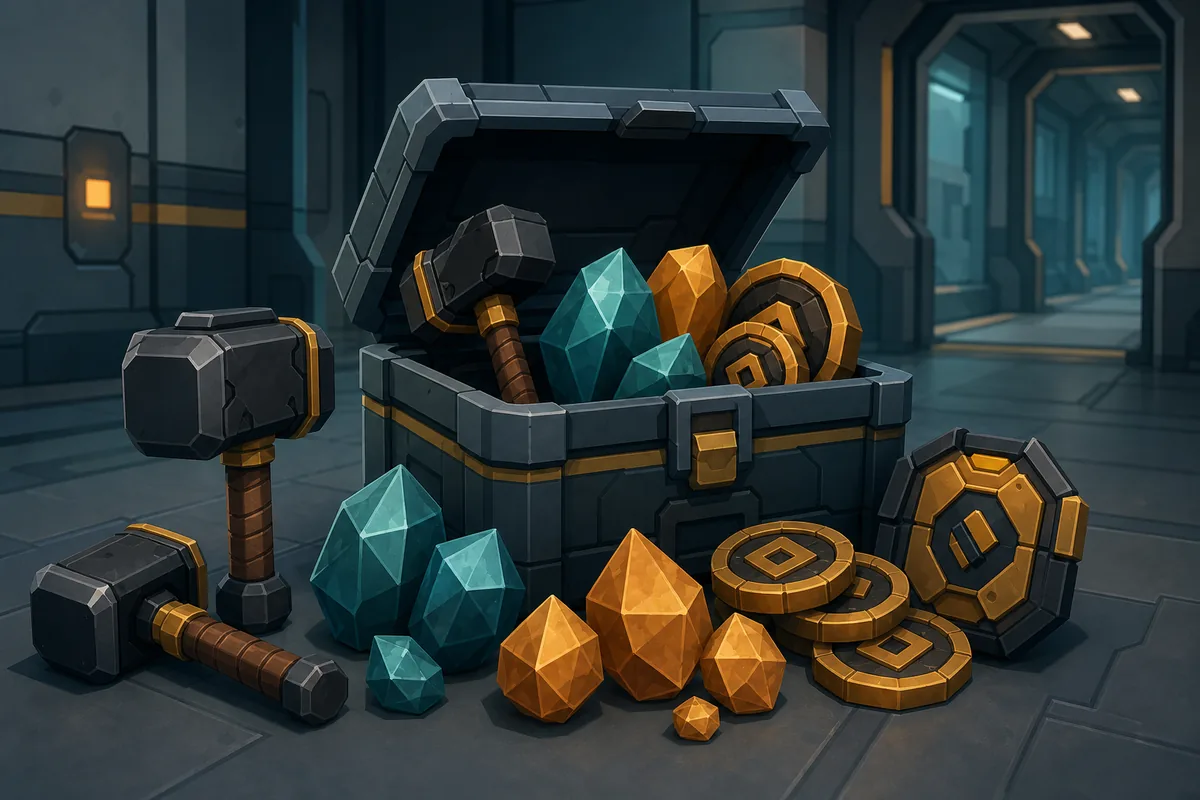
Players searching for Flee the Facility all bundles usually want one of three answers: which items belong together, whether a complete bundle has extra demand, and how to compare that offer with a normal hammer-and-gemstone trade. Those questions are related, but they are not the same as asking for a single item value.
This guide uses the bundle labels currently shown in the FTF Calculator reference set. Some labels describe event groups, crate combinations, or community trade packages rather than an official in-game price system. Use the list to identify the conversation, then verify the actual item names and current offers before accepting a trade.
The practical rule
A bundle is only as strong as its weakest included item, its current demand, and the evidence that the parts are actually a complete set. Rarity alone is not proof of a bundle premium.
Flee the Facility bundle list: what each group is useful for
The table below is a navigation aid for the bundle names used by this site. It is intentionally not a promise that every bundle has one permanent value. Event availability, item condition, collector interest, and the quality of current offers can change the trade outcome.
When a player gives you only a shortened name, ask for the individual hammer and gemstone names. This avoids comparing an incomplete pair with a complete bundle simply because both offers use the same community nickname.
| Reference bundle label | What to confirm | Best use of the label |
|---|---|---|
| Anniversary Bundle | Whether the matching parts are present and still wanted by collectors. | Start a complete-bundle demand check. |
| Classic Rooks Bundle | The exact Rooks-related items, not just the word ‘Rooks’. | Separate an item identity question from a value question. |
| Halloween Event Bundle | Event origin, item names, and whether the offer is seasonal or returning. | Check event scarcity without assuming a permanent premium. |
| Winter Holiday Bundle | Whether all expected holiday pieces are included. | Compare complete and split offers during seasonal demand. |
| Starter Crate Bundle | The crate contents and the individual item demand. | Avoid paying for a package name when the parts are weak. |
| Limited Visual Bundle | Whether the visual theme is collectible and whether the items are tradable. | Use collector demand as supporting evidence only. |
| Mixed Demand Bundle | Which part attracts the offer and which part is slowing the trade. | Test both the complete and separate scenarios. |
| Returning Event Bundle | Whether the event has returned and changed the scarcity signal. | Recheck old screenshots before quoting an old premium. |
These are FTF Calculator reference labels and community-facing trade groupings, not an official Roblox price table. The exact item names and live demand should control the final decision.
FTF bundle vs set: why the words are not interchangeable
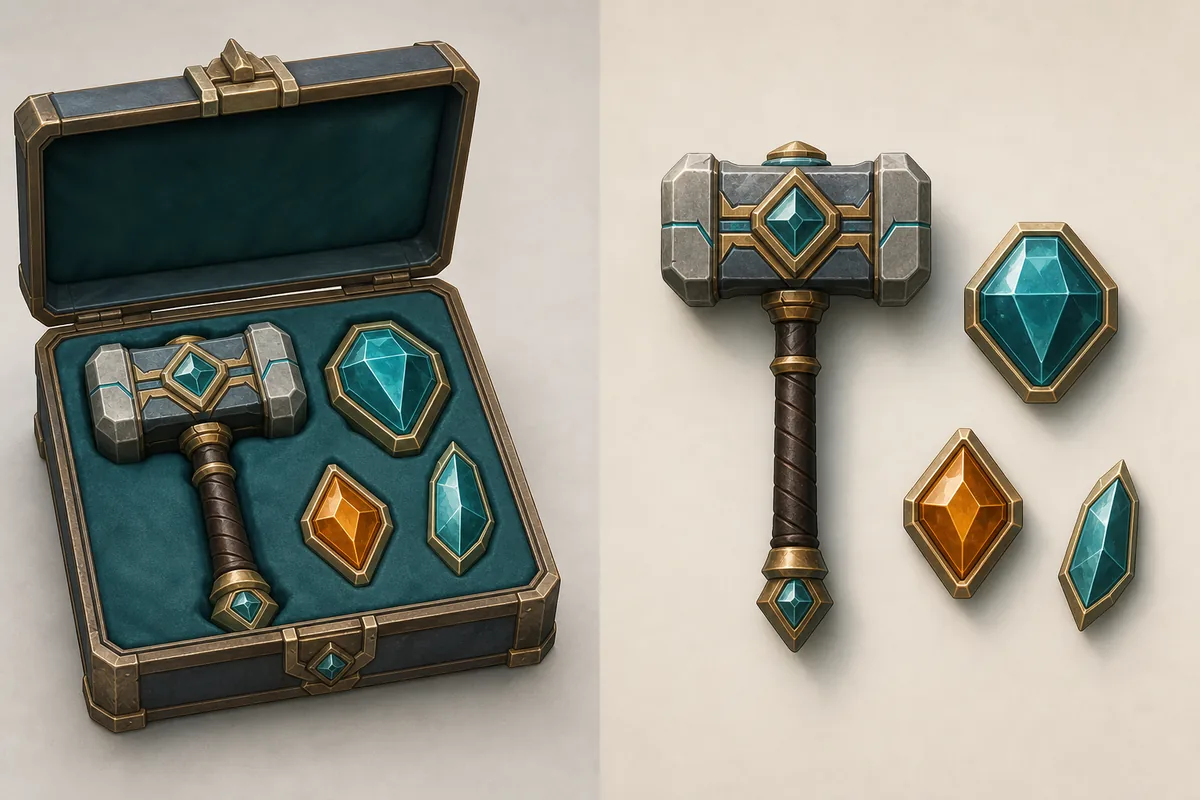
A set normally describes a matching hammer-and-gemstone pair. A bundle is broader: it may refer to a complete pair, an event group, a crate package, a collector combination, or several items that players discuss as one offer. That broader meaning is why a bundle list is useful for discovery but cannot replace an item-by-item value check.
The complete-bundle premium is a demand signal, not a mathematical rule. If the matching pieces are easy to trade separately, the bundle may not deserve extra value. If collectors want the exact combination and the parts are difficult to reunite, keeping it complete can make sense.
| Question | Complete bundle view | Separated-item view |
|---|---|---|
| What is being valued? | The identity and appeal of the group. | Each hammer, gemstone, or event item on its own. |
| What creates demand? | Collectors wanting the exact combination. | A liquid individual item with more active offers. |
| What can go wrong? | One weak part can hide inside a large-looking package. | The pair may lose its collector appeal after separation. |
| What should you do? | Check completeness and recent demand. | Compare each part before agreeing to split. |
Should you keep an FTF bundle complete or split it?
There is no universal keep-or-split answer. Start with the trade goal: are you building a themed collection, trying to move items quickly, or comparing a large offer against a specific item? The right choice can change even when the item values have not changed.
Use the following order so a visually impressive bundle does not distract from the real trade math. A bundle that looks complete but contains the wrong variant, an untradable part, or a low-demand add should be treated as an incomplete offer.
- Confirm identity: Write down the exact hammer and gemstone names, variants, and event names. Do not rely on a screenshot nickname or a one-letter abbreviation.
- Check completeness: Compare the parts with the expected group. If one part is missing, use the separate-item path instead of applying a complete-bundle premium.
- Read demand: Look for recent offers and whether players actually want the whole combination. High rarity with no active buyers is not automatically strong demand.
- Run both scenarios: Estimate the complete offer and then estimate the parts separately. Keep the bundle only when the complete demand signal is credible and useful for your goal.
- Check liquidity: If you need a quick trade, a slightly lower but easier-to-move item can be safer than a rare bundle that sits in inventory.
How to verify an FTF bundle trade before accepting
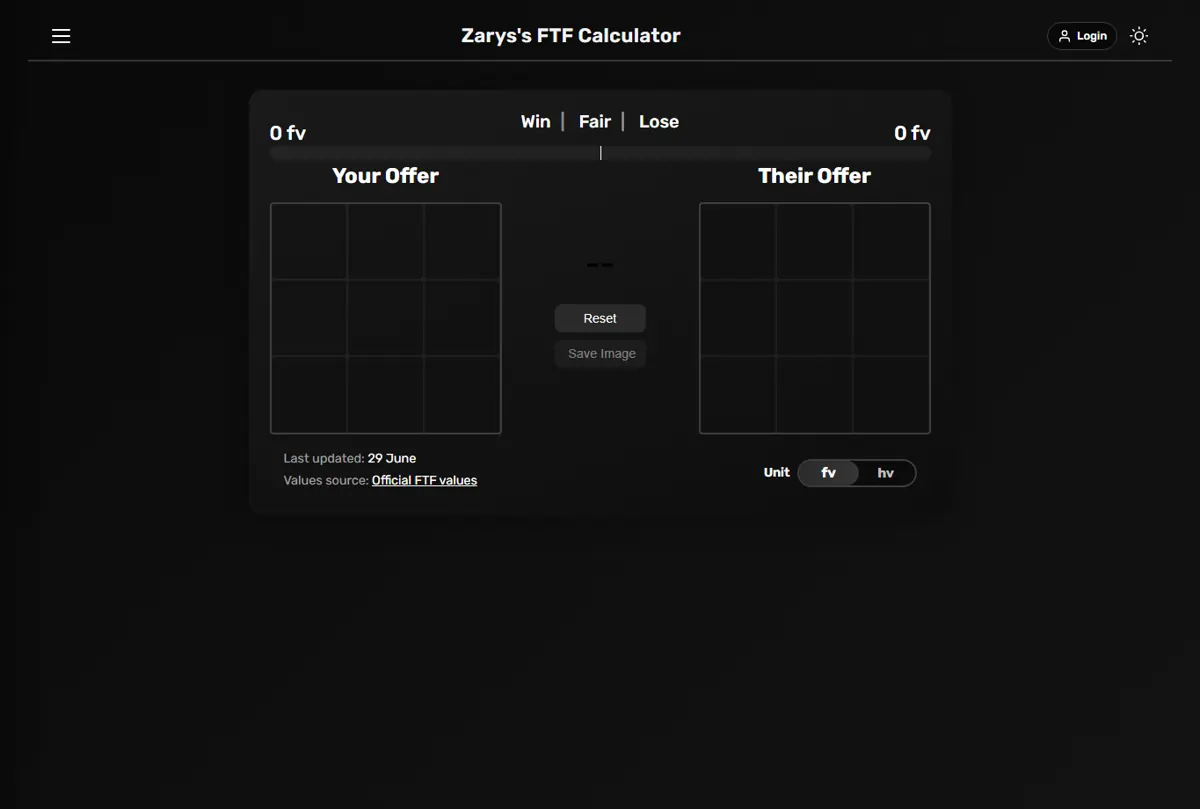
A bundle list answers ‘what group is this?’ A calculator answers ‘does this exact offer make sense?’ Use both, because a page or screenshot that shows a bundle name cannot see the final items in your live trade.
1. Record both sides
List every item offered by you and the other player. Include the side, quantity, exact variant, and any item that is being described as an add.
2. Check the reference pages
Use the FTF values pages and the item finder to confirm the individual context. If the bundle is event-based, note whether the event is current, returning, or historical.
3. Compare complete and split
Use the bundle checker for keep-or-split signals, then compare the separate item total. Do not add a bundle premium twice.
4. Run the final W/F/L check
Enter the exact items on both sides and review the result. A Win, Fair, or Lose label is a decision aid, not a guarantee of future demand.
5. Recheck the Roblox trade window
Before confirming, compare the calculator entries with the actual in-game offer. Last-second substitutions and missing items are common sources of avoidable losses.
Use the right page for the right job
The bundle checker is for group-level keep-or-split signals. The calculator is for the exact items on both sides of your current trade.
Open bundle checker Open FTF calculatorCommon mistakes when reading Flee the Facility bundle values
Most bundle errors come from mixing identity, rarity, demand, and current trade context into one assumption. Watch for these patterns:
- Treating a community bundle label as if it were an official fixed price.
- Assuming every item in an event group has the same demand or rarity.
- Using an old screenshot after an event returns or the trading community changes.
- Counting the complete-bundle premium and the separate-item values at the same time.
- Ignoring the weakest item in a mixed-demand bundle because the other piece looks rare.
- Accepting a large bulk offer without checking whether the items are tradable and easy to move.
- Skipping the final in-game trade-window comparison after running a calculator result.
Flee the Facility all bundles FAQ
Final checklist for FTF all-bundles searches
The best answer to an FTF all-bundles search is not one permanent number. It is a repeatable check: identify the exact bundle parts, confirm the group is complete, read current demand, compare complete and split outcomes, and verify the final in-game offer with a calculator.
If you are unsure, slow the trade down. A short pause to verify names and sides is more valuable than a confident guess based on a rare-looking crate, an old event screenshot, or a community nickname.
Useful references
Guide checked on August 2, 2026