Base44 FTF Values: Flee the Facility Trade Checks
A practical Base44 FTF value reference for checking exact items, comparing a full offer, and making a safer win, fair, or lose decision.
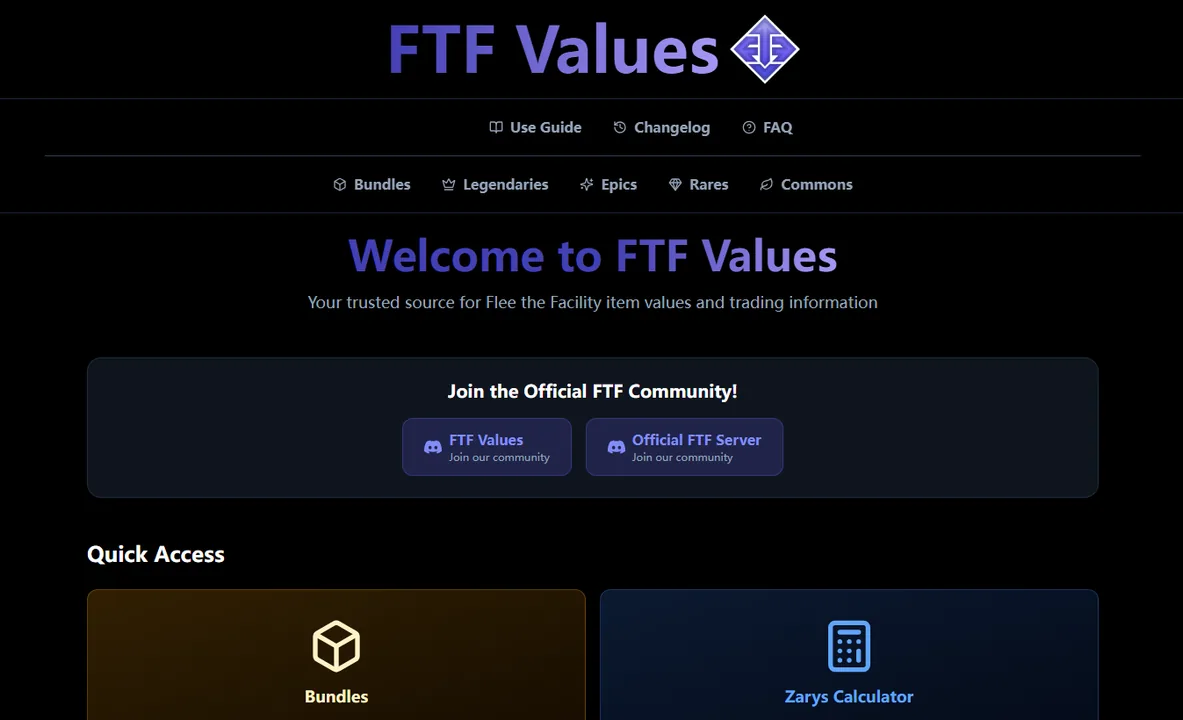
If you search for Base44 FTF Values or base44 flee the facility, you are probably trying to verify an item before a trade. The useful answer is a repeatable check: identify the exact item, compare the complete offer, and confirm demand before accepting.
The short answer is simple: Base44 can be a useful value reference, but it should not be the only step before accepting a trade. FTF values are community-driven signals, not official Roblox prices, and the value number can miss demand, stability, set premiums, bulk-item risk, or a last-second item swap.
Use this page as a safe workflow. First identify the exact item on Base44, then compare the full offer in the FTF Calculator, then check demand and trade-window details before you click accept.
Quick Answer
Base44 FTF Values is best used as a current value reference. For a real trade, pair it with a W/F/L calculator, exact item-name checks, demand notes, and set context before accepting.
What Does Base44 FTF Values Mean?
Base44 FTF Values refers to a public Flee the Facility value page hosted on Base44. Players use it to browse FTF item categories such as bundles, legendaries, epics, rares, commons, and a linked calculator area.
That intent is different from a broad search like FTF calculator. A calculator query asks for a trade verdict. A Base44 FTF values query asks whether a specific outside value reference can help judge item worth.
The right way to use the source is to treat it as one value signal. If Base44 says an item is strong but demand is falling, or if the trade includes several low-demand fillers, the final result can still be worse than it looks.
The screenshot in this guide shows the public Base44 FTF Values page. It is included as a checked reference point, not as an official Roblox or Flee the Facility price list.
How to Use Base44 FTF Values Before You Trade
Use Base44 for the item lookup, but keep the trade decision separate from the lookup. A value page tells you what to inspect; it does not see every item on both sides of the live trade.
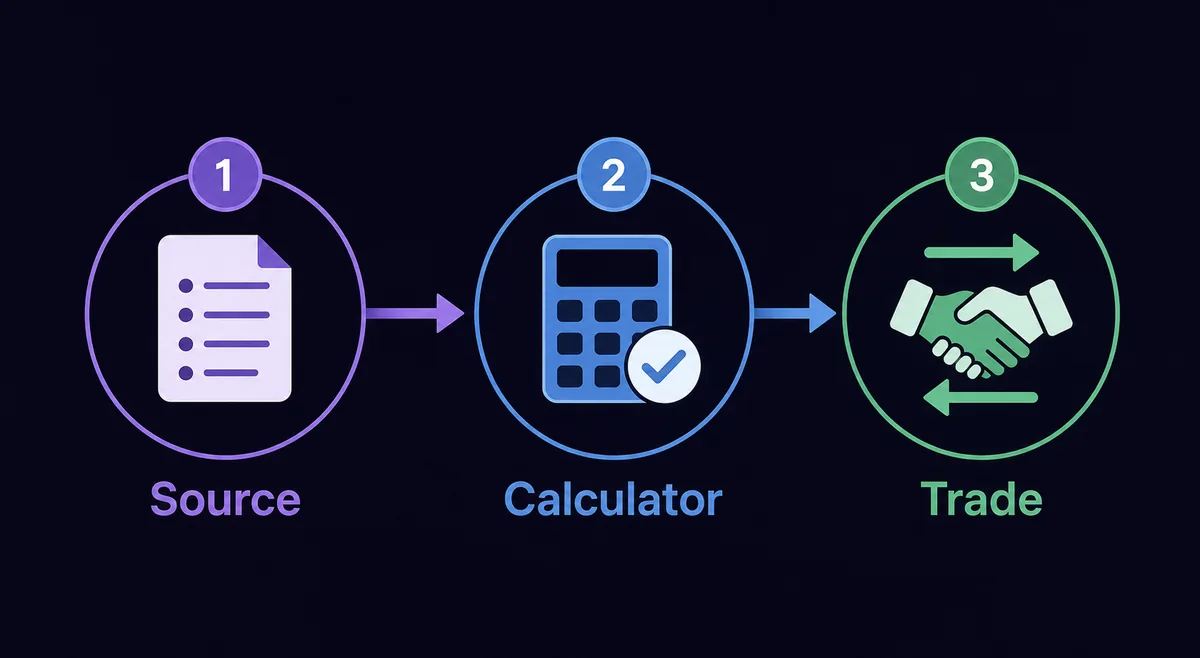
Match the exact item
Check the full hammer, gemstone, bundle, or set name. Do not rely on nicknames, cropped screenshots, or chat descriptions.
Compare the full offer
Enter both sides in the FTF Calculator or W/F/L calculator. Include duplicates, split sets, and every low-value filler item.
Review demand and timing
Look for demand, stability, recent update changes, and whether the other player changed items near the final confirmation.
How to Verify Base44 FTF Values for a Real Offer
A safe trade check looks at more than one value number. Use this matrix when a Base44 result and a live trade do not clearly agree.
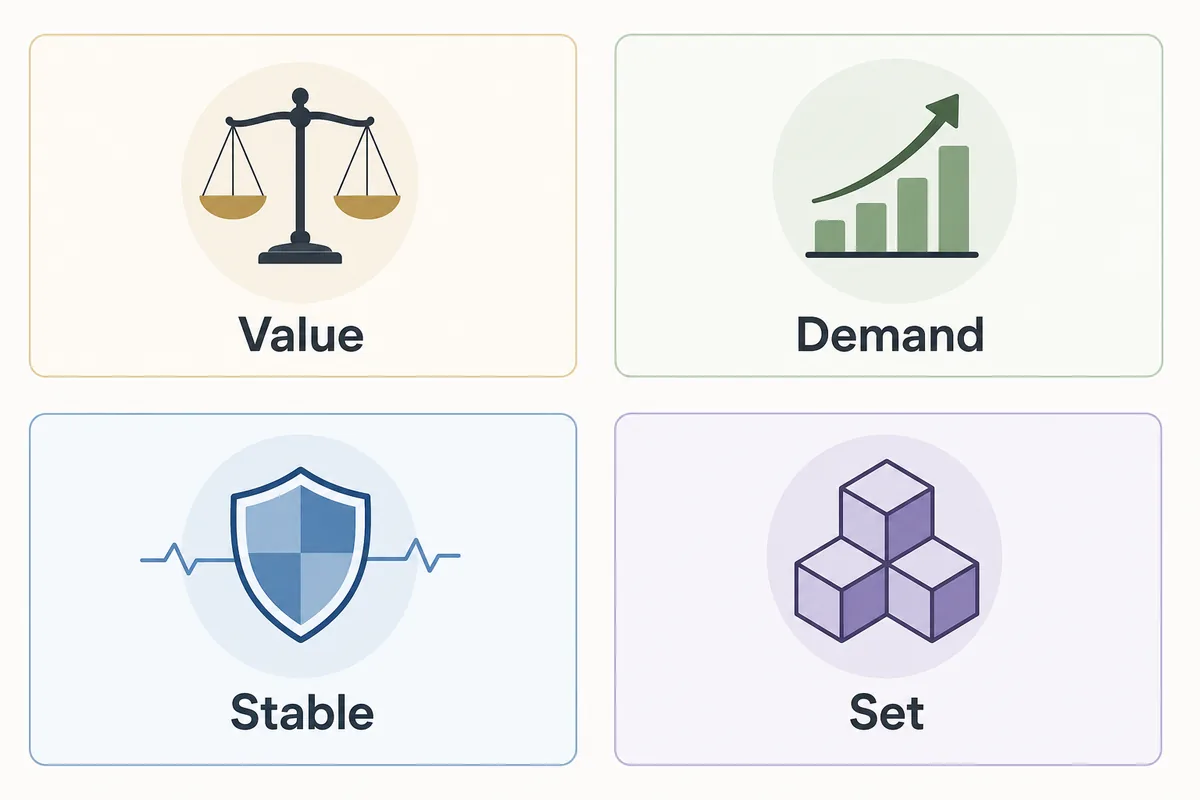
Use the Base44 number or tier as a starting point, then compare it with the current FTF Values 2026 page.
A high-value item can still be hard to trade if few players want it or if interest is tied to a short event.
Treat recent spikes, hype, and newly updated items carefully because the value may not stay stable.
Complete sets, split sets, bundles, and matching hammer-gemstone pairs can trade differently from separate pieces.
Base44 FTF Values vs FTF Calculator
Both resources are useful, but they solve different parts of the decision. Use Base44 to inspect a value reference and the calculator to compare a real offer.
| Resource | Best use | What to verify next |
|---|---|---|
| Base44 FTF Values | Looking up item categories and current value signals | Exact item name, update date, demand, and stability |
| FTF Calculator | Comparing both sides of a real trade | Whether all items and quantities were entered |
| FTF Values 2026 | Reading broader value-list context | Set premiums, demand notes, and item category differences |
| Trading guide | Learning safe trade habits | Pressure tactics, trust trades, and last-second item swaps |
Risk Signals When Using Base44 FTF Values
Slow down when the trade depends on a screenshot, a single number, or a claim that cannot be rechecked in the live trade window.
- The other player sends an old or cropped Base44 screenshot instead of naming the exact item.
- The trade contains many low-demand items that make the total look larger than the real resale value.
- A complete set is split, or the offer quietly removes one matching piece before confirmation.
- The value changed after a recent update, event, or community discussion and old screenshots still circulate.
- The offer includes off-platform promises, trust trades, or pressure to accept before you can verify.
Base44 FTF Values FAQ
Bottom Line
Base44 FTF Values is a useful way to inspect Flee the Facility item values, especially when you need a quick reference for categories like bundles, legendaries, epics, rares, or commons.
The safer workflow is not to accept the Base44 number blindly. Match the exact item, compare the complete offer in the FTF Calculator, check demand and stability, then make the final win, fair, or lose call.
Useful References
Last updated: August 13, 2026